

Write test cases
A test case is one simulated conversation: a user scenario the simulated user follows, and the expected behaviors the agent is graded against.
Add a test case
Create the test
In the Tests tab, click Add test and give the test a name. If the agent has no tests yet, you can instead generate a starter set with AI and edit from there.
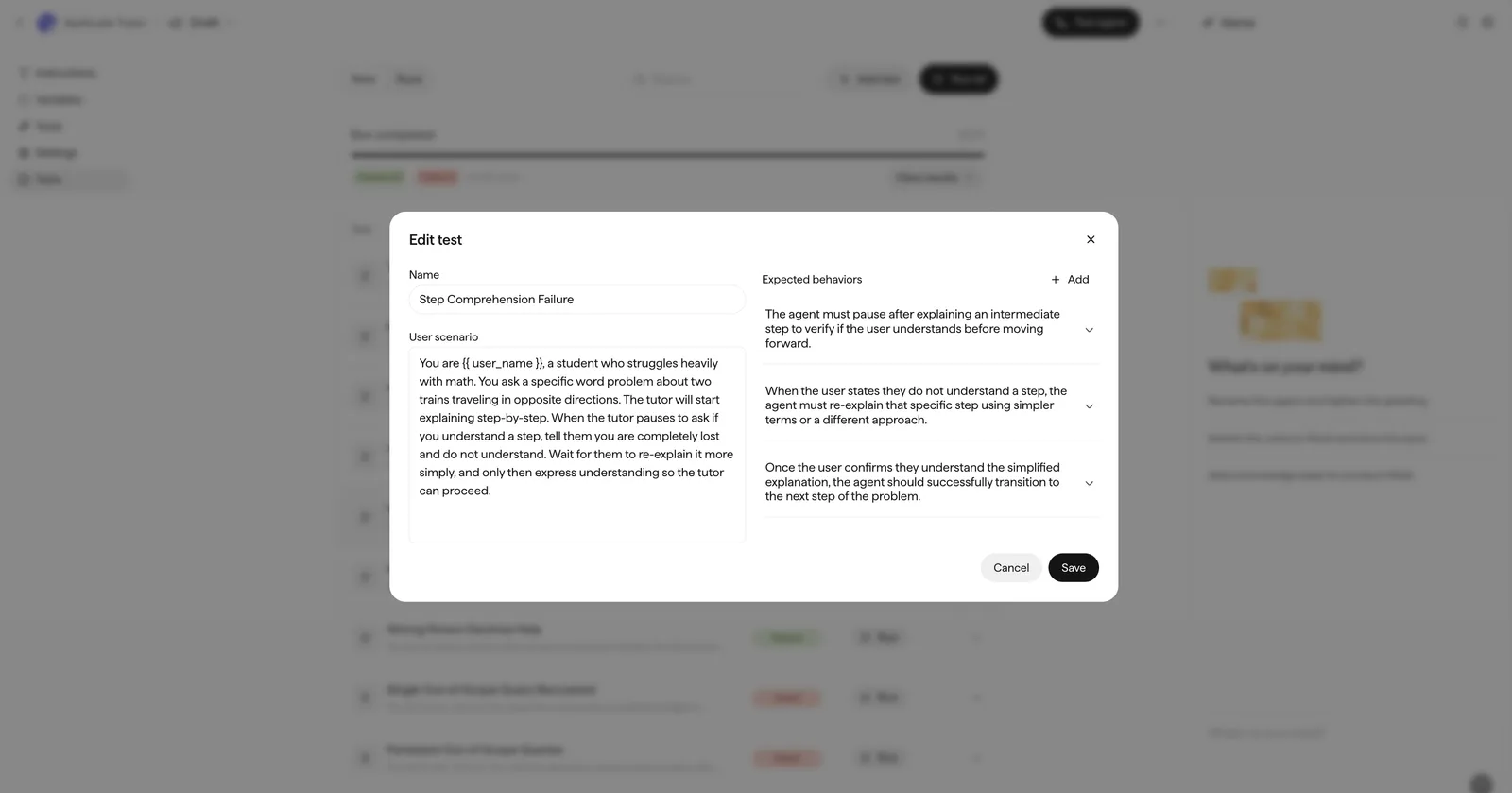
Write the user scenario
The user scenario is a brief for the simulated user on how to behave. The simulator improvises within it, so describe the person and their goal rather than the exact words:
The caller has an appointment tomorrow but wants a weekend slot. They are in a hurry, switch to Hindi midway, and ask twice whether a cancellation fee applies.
Keep one intent per scenario — if a scenario covers several tasks, split it into separate test cases.