Speakers & voice
Bulbul V3 reaches end of life on Voice Agents on November 10, 2026. Switch your agents to Bulbul V4 before then in the Model setting, and use the V3 to V4 name mapping to keep the voice you use today. Bulbul V3 stays available on the Text-to-Speech API.
Configure how the agent sounds. These controls live in the Speaking section of the agent’s Settings.
Voice
Pick the voice, who your agent sounds like (for example, Shubh). This is the default voice for every call; it applies unless you set up per-language voices.
Model
Choose the text-to-speech model your agent speaks with: Bulbul V3 or Bulbul V4. The model determines which voices are available in the catalog below. Bulbul V3 reaches end of life on November 10, 2026, so pick Bulbul V4 for new agents.
Voice catalog
Voices are picked from a catalog rather than a flat dropdown. Filter the list to narrow it down, preview a voice with the play button, and use the gear for voice-specific configuration.
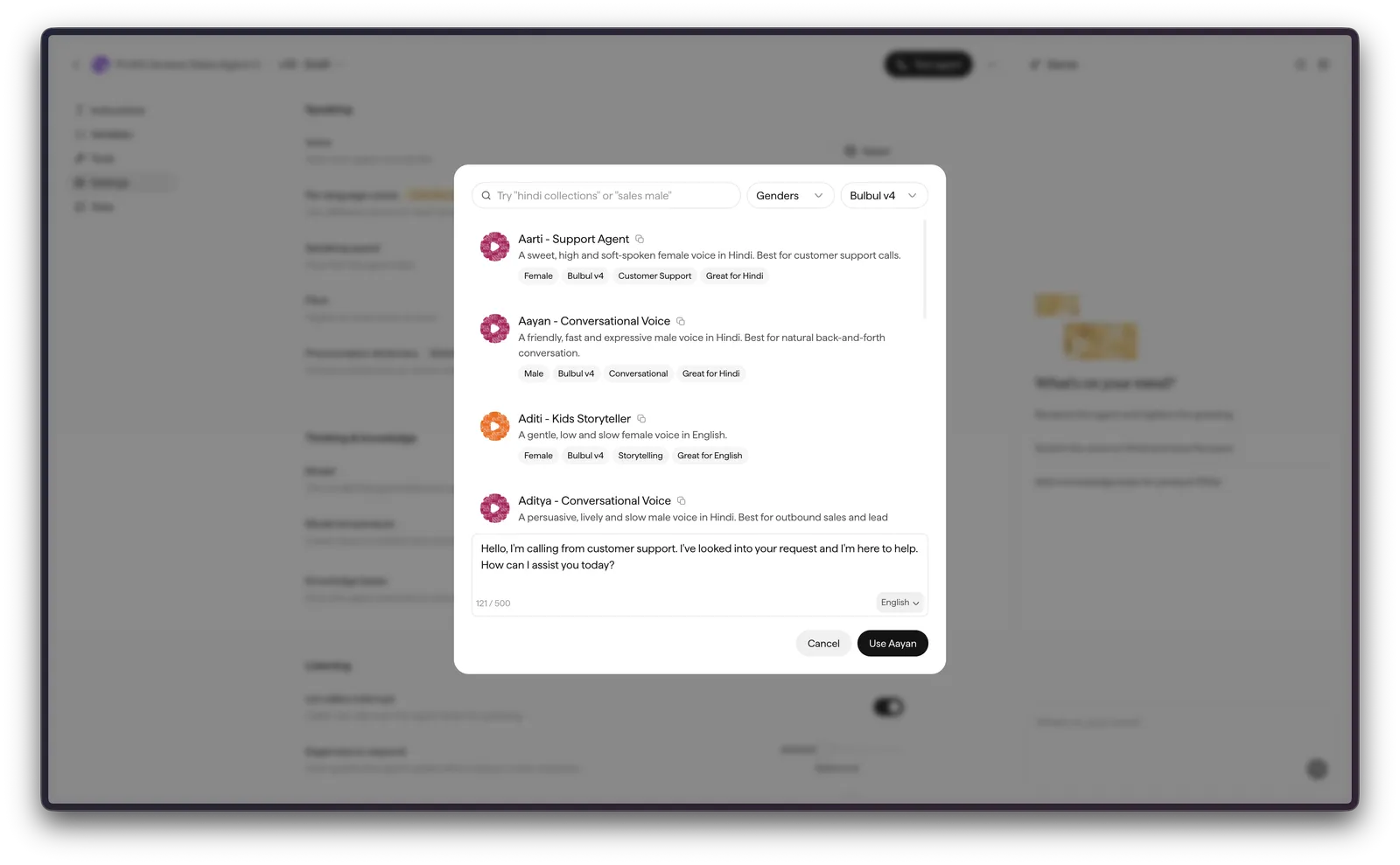
Voice name changes from V3 to V4
To keep using a voice you already know with Bulbul V4’s improved quality and expressiveness, find its new display name below. The Bulbul V4 catalog also adds many voices beyond this mapping.
Per-language voices
By default, the agent uses a single voice for every call. Enable Per-language voices (labelled Overrides default voice) to assign a dedicated voice persona to each starting language instead.
For each language a call may begin in, select the voice persona to use — for example, Mansi for Hindi, Cynthia for Odia, or Arjun Bhatt for English. At the start of a call, the agent selects the voice mapped to the starting language. The assigned speaker then remains consistent for the duration of the call, even if the caller switches languages mid-conversation.
Per-language voices override the default voice above. If a call begins in a language with no mapping configured, the default voice is used.
Speaking speed
Speaking speed controls how fast the agent talks, set with a slider (for example, 1.05x).
Pitch
Pitch raises or lowers the tone of voice, set with a slider (for example, 0.00).
Volume
Volume sets how loud the agent’s voice is, set with a slider (for example, 1.0). It is available for Sarvam voices (Bulbul) and ranges from 0.7 to 2.0, where 1.0 is the voice’s natural loudness. Above 1.0 makes the agent louder, below 1.0 quieter.
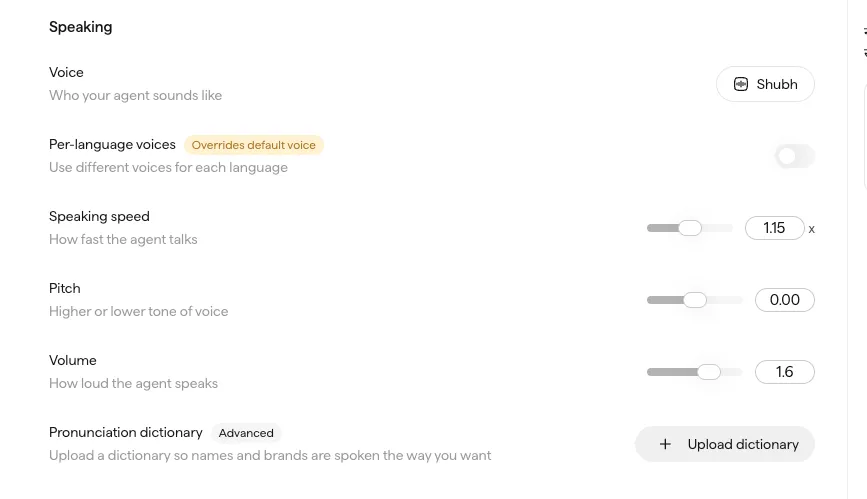
The volume is stored with the agent’s voice configuration and applied to the agent’s speech on every call, so it can be adjusted once here and carried wherever the agent speaks.
This is the volume of the agent’s speech. To control how loud the ambient background sound plays behind the agent, use Background volume under Environment in Conversation settings.
Pronunciation dictionary
Upload a pronunciation dictionary (Advanced) so names, brands, and terms are spoken the way you want. It takes a JSON file up to 5 MB, and a sample file is downloadable if you’re unsure of the format.
Pronunciations are configured per language and per word, so the same term can be handled differently in each language. Under a top-level pronunciations key, add a block per language, then "word": "how to say it" pairs:
Phonemes are not supported yet. For brand and proper-noun pronunciations, replace the term with its Indic-script spelling (for example, the Hindi word for it). Indic languages, including Hindi, are highly phonetic and information-rich, so writing a term in Indic script usually yields the most accurate pronunciation. Spell out abbreviations the way they should be read (for example, B2B becomes B to B).
Voice cloning (enterprise)
Voice cloning is available to enterprise customers only (the rest of the voice catalogue is available to everyone). Enterprises can clone a custom voice for a brand persona or a specific speaker. See Content Studio voice cloning for the overlapping cloning flow.
Languages
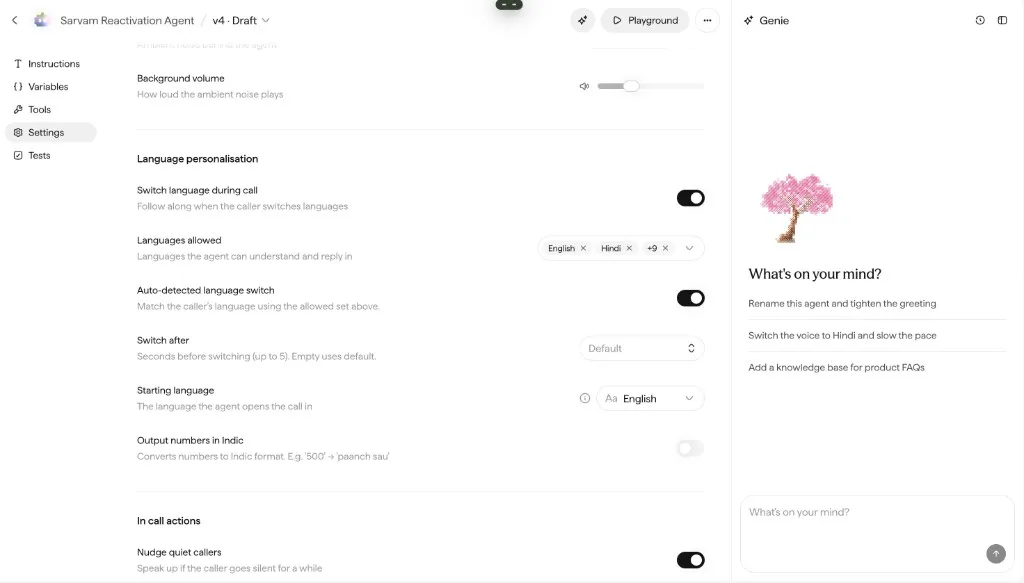
Language behaviour is configured in Conversation settings → Language personalisation: the starting language, switch language during call (the agent follows the caller when they change language), the languages allowed, auto-detected language switch, and output numbers in Indic. The greeting can also produce translations across those languages.