

Overview
Where to find Voice Agents
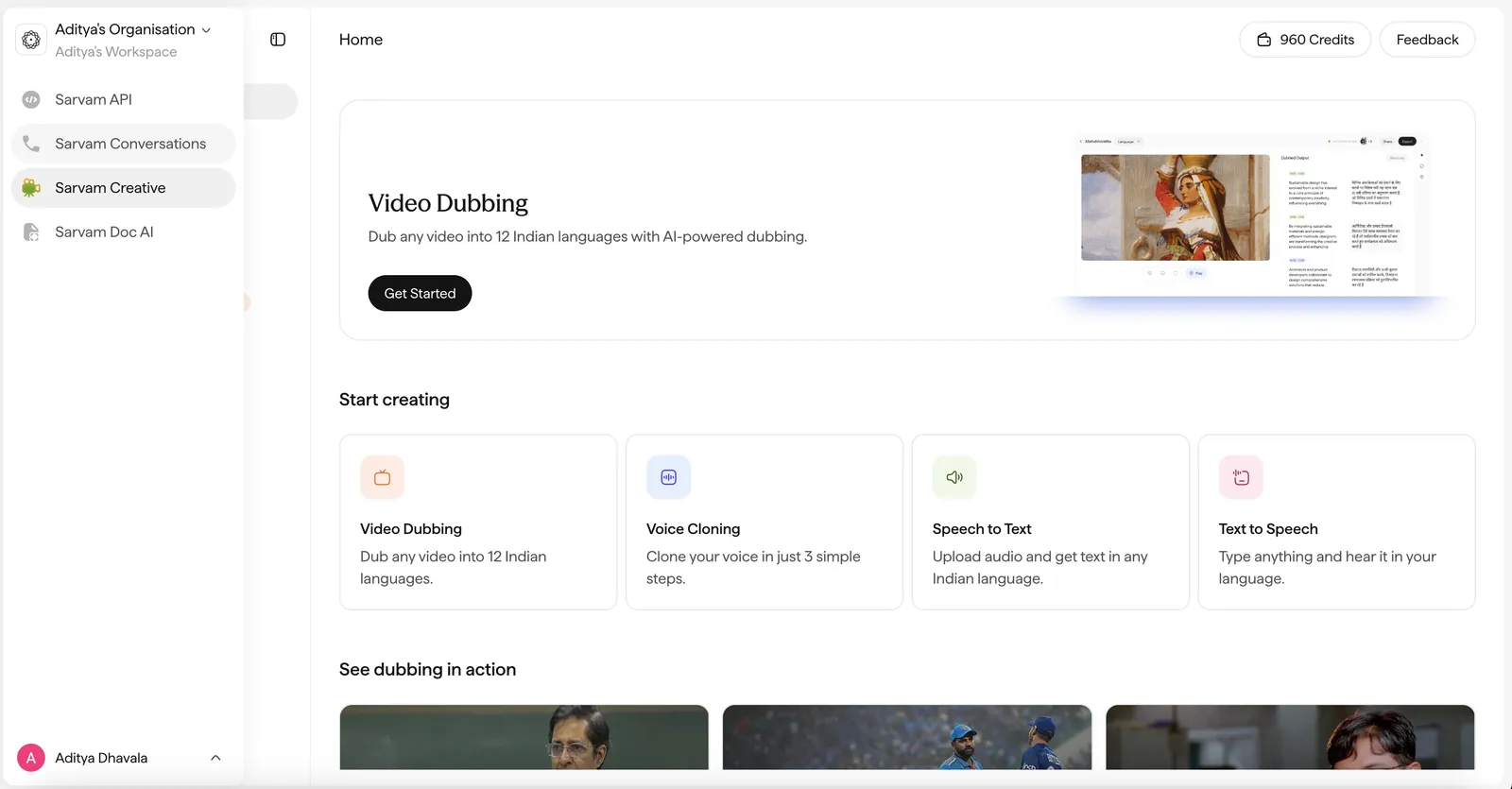
Voice Agents lives in the Sarvam platform. Log in with your Sarvam account and open Voice Agents from the left menu to start building:
What it is
Voice Agents is a platform for building, deploying, and monitoring conversational agents (voice and text) that let you talk to your customers at scale. Author an agent once and run it across the channels your customers already use, in 11 languages.
What is a conversational agent?
A conversational agent is software that talks with your end customers in natural language to get something done: answer a question, collect information, complete a transaction, or hand off to a human. Instead of navigating a menu or filling a form, the customer simply speaks or types, and the agent responds.
Agents come in two primary modalities:
The same underlying agent design (prompts, tools, knowledge, and variables) powers both. What changes is how the customer sends and receives turns, and which channel the agent runs on.
Languages
Agents operate across 11 languages: Hindi, Tamil, Telugu, Bengali, Marathi, Gujarati, Kannada, Malayalam, Punjabi, Odia, and Assamese, plus English. They can also handle code-mixed speech, alphanumerics, and proper nouns.
Channels
The same agent can be deployed to multiple channels:
Availability by agent type
Voice agents are generally available on every channel except WhatsApp. Text agents, and voice agents on WhatsApp, are available to enterprise customers on request.
Generally available · Enterprise, on request
This documentation currently covers voice agents. Text agents and the enterprise-only options above aren’t covered here yet. To enable them, contact us about the enterprise plan.
What you can build
Common agents teams run on Voice Agents:
- Appointment booking and reminders
- Payment follow-ups and collections
- Cart recovery
- Inbound customer support
- Marketing communication and lead generation
- Employee training and roleplay — onboarding sessions, compliance walkthroughs, and simulated customer conversations
- Long tutorials and guided walkthroughs — step-by-step product or process guidance
- Extended support and advisory conversations — troubleshooting, check-ins, and long discovery calls
The last three are enabled by the 60-minute max call length (raised from 25 in August 2026, see the Changelog).
Many teams use Voice Agents as an alternative to traditional CRM-driven outreach: they engage users directly through conversation, drive strong outcomes, and capture rich feedback from the conversational data itself.
Agents can call your systems, CRM, core banking, payments, and others, through tools, so they can act, not just answer.
Self-hosted models
Every model in the Voice Agents stack, speech recognition, reasoning, and speech synthesis, is self-hosted by Sarvam rather than called out to a third-party provider. That gives you:
- Data residency in India: all data, including any PII, stays within India, which matters for compliance and data-protection requirements.
- Lower latency: no external network hops between stages, which matters most for real-time voice.
- Higher reliability: the stack doesn’t depend on the uptime or rate limits of an outside API.
- More control over quality: the models are tuned and versioned together as one stack.
See Models for the models behind the stack.
Build your first agent in 5 minutes
Follow the Quickstart to create a voice agent, test it in test agent, and place your first call.