

Boards
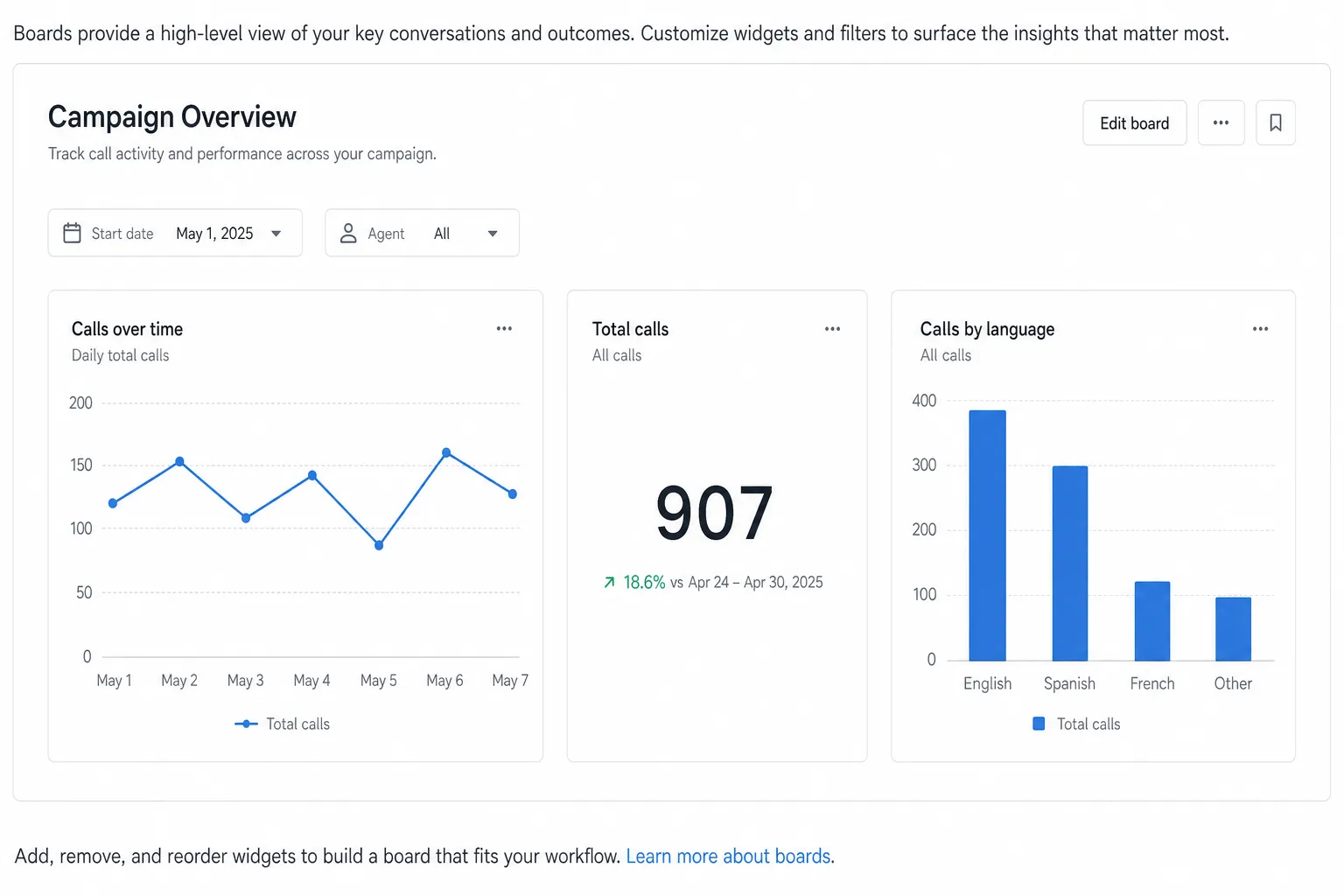
Boards are custom dashboards for reporting questions that Agent Analytics does not answer out of the box. You write SQL (or describe the query in plain language), chart the result, and share a board that your team can filter without editing the underlying query.
Boards live under Monitor → Boards.
Build your first board
Create the board
Name it something your team will recognize, for example Campaign Overview.
See Create a board.
Add a widget
Write SQL or press / to generate it with AI, run the query, choose a Table, Number, Bar, or Line visualization, and save.
See Create a widget.
Parameterize with filters
Add tokens such as {{start_date}} or {{agent_id}} to the query, then set default values so the board shows data as soon as it opens.
See Filters.
What’s on a board
Boards vs Agent Analytics
Every widget is powered by a SQL query. For dialect guidance, schema browsing, guardrails, and AI generation, see SQL best practices.