Code Tools

View as Markdown

Upload a custom Python file (for example, tools.py) to define custom functions and tools that go beyond the standard API and data tools.

The Python file you upload needs to be built using the Sarvam Conv AI SDK.

This is an enterprise only feature. Contact us to get access to it.

Access Code Tools
1

Open Tools

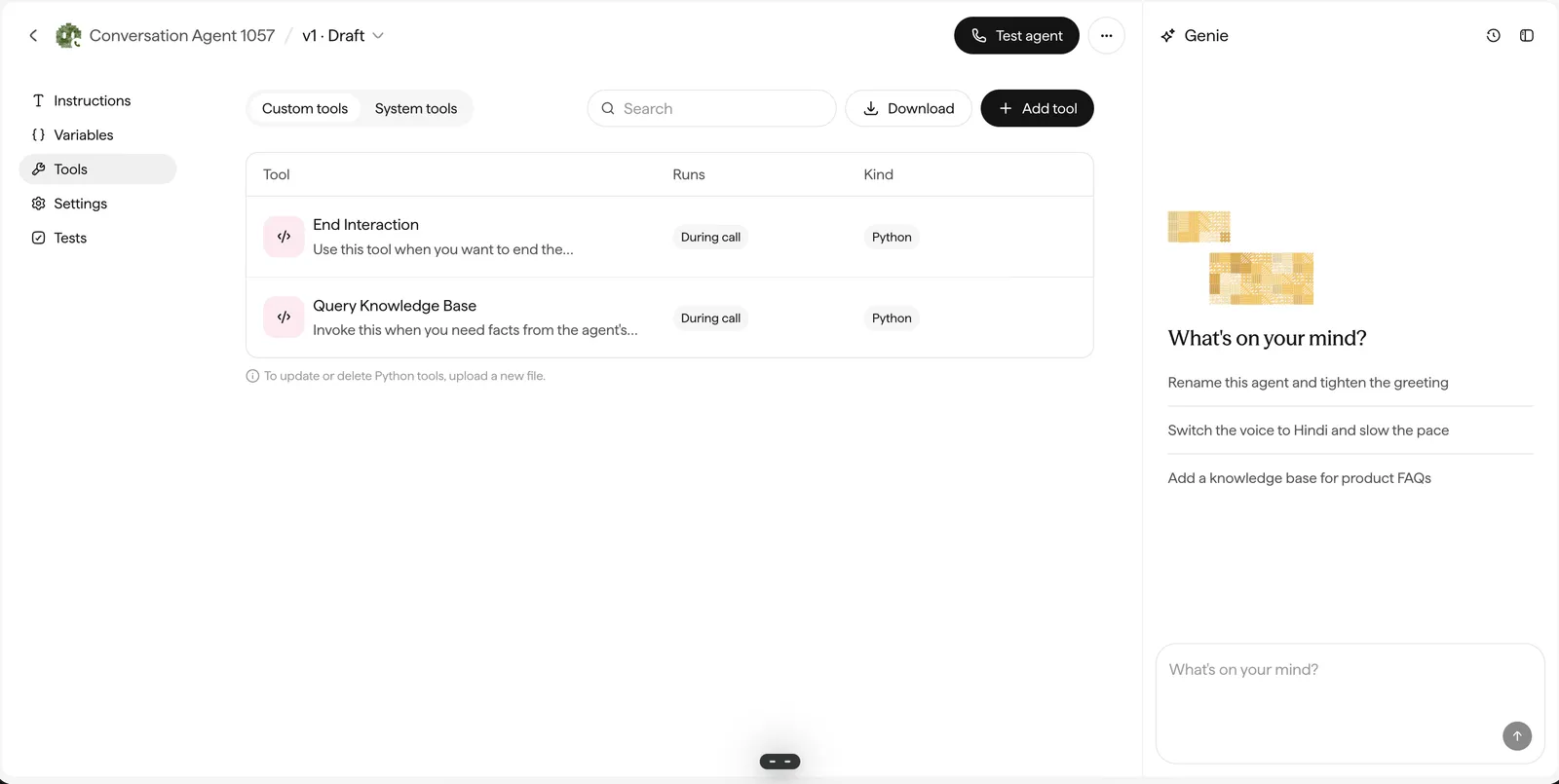
In the update-agent screen, click Tools in the left sidebar.

The agent editor left sidebar with Instructions, Variables, Tools, Settings, and Tests, with Tools selected.

Click on Tools in the left sidebar, and then click on Add tool.
2

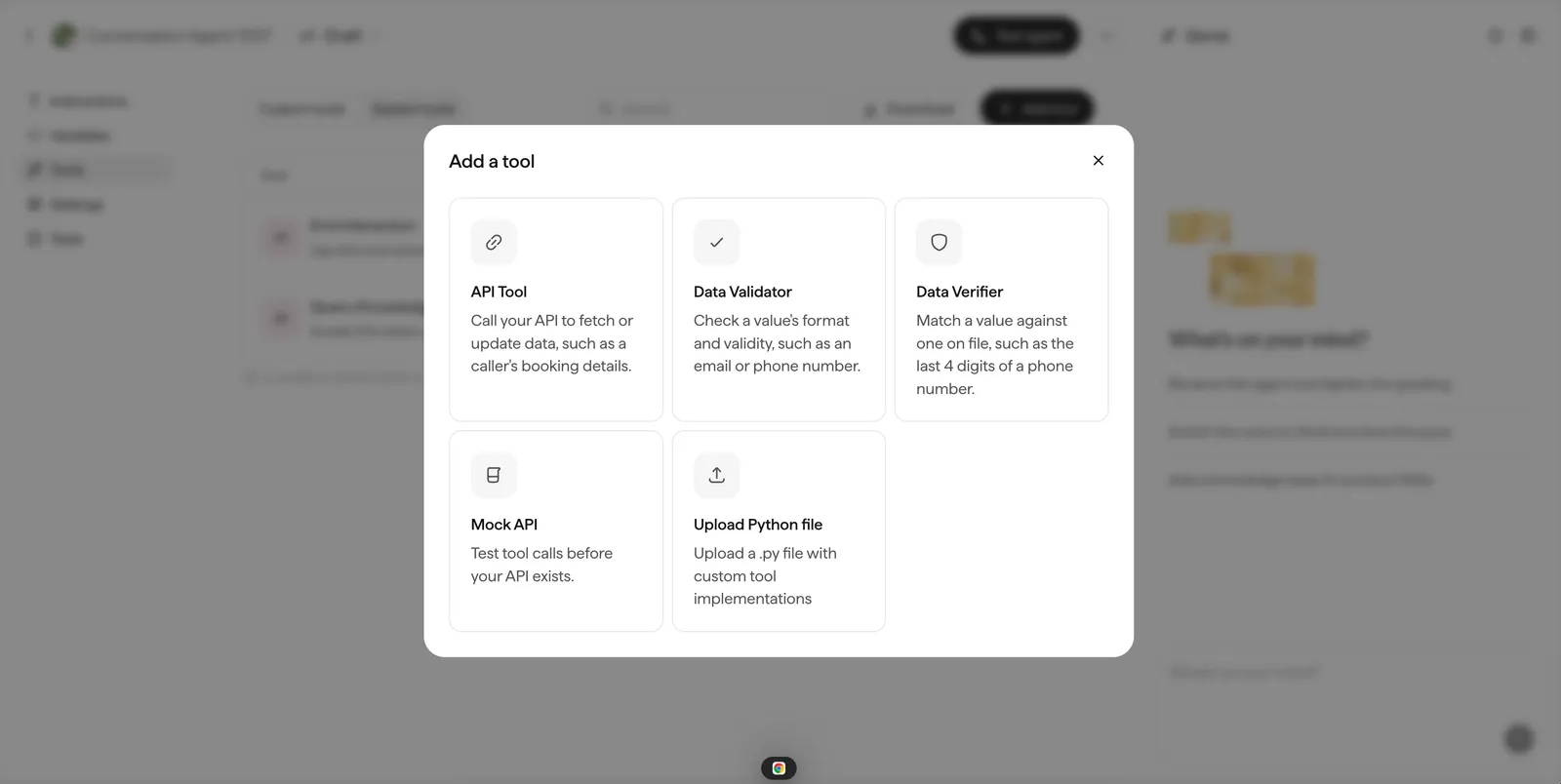
Add a tool

Click Add tool.

The Add a tool dialog with API Tool, Data Validator, Data Verifier, Mock API, and Upload Python file options.

Click on "Upload Python file".
3

Click "Upload Python file"

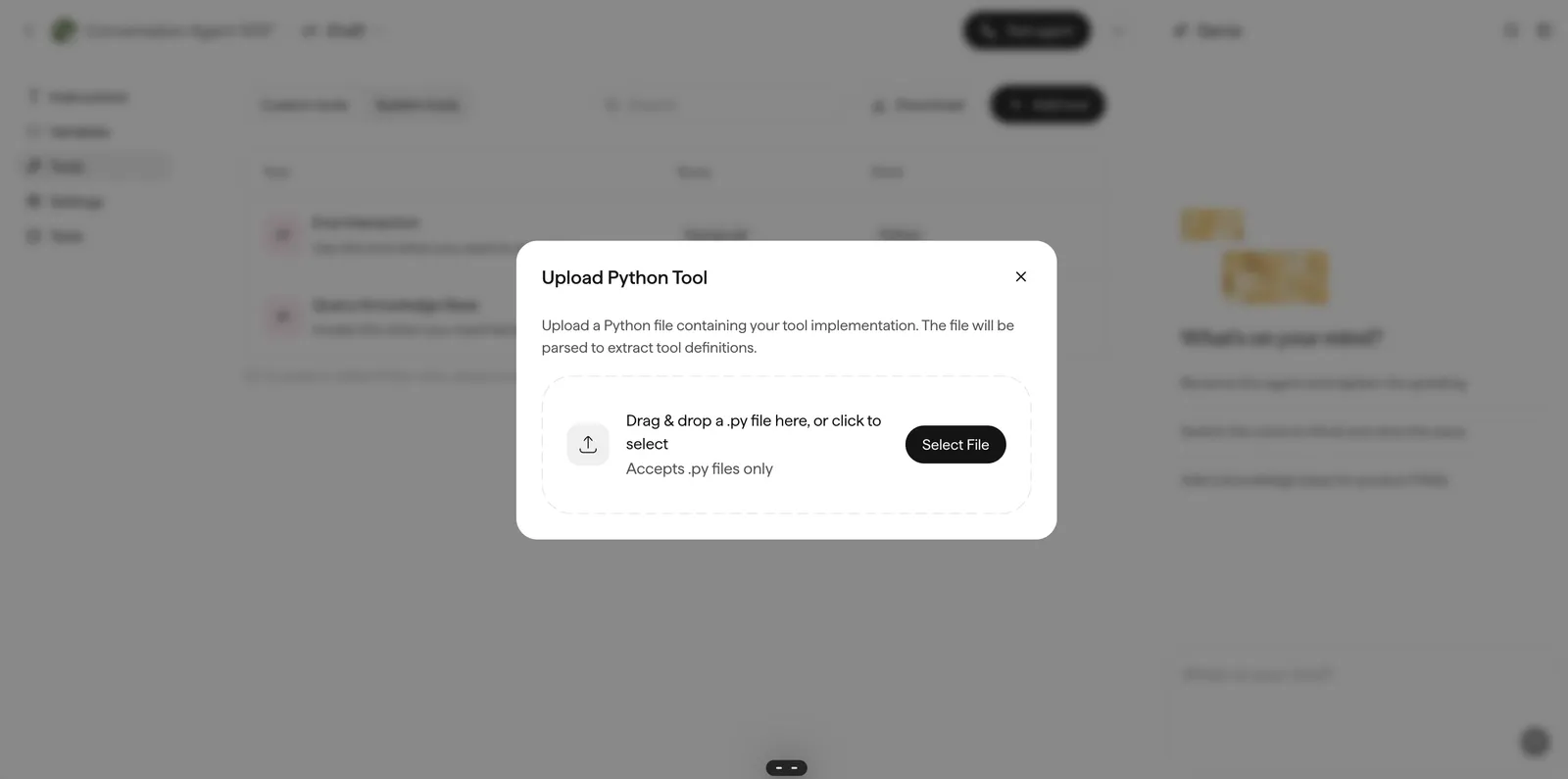
Choose Upload Python file, then drag & drop your .py file or select it from disk.

The Upload Python Tool dialog with a drag-and-drop area accepting .py files.

Upload your Python file.

When to use a code tool

An HTTP tool makes one request and hands the response back to the agent. That covers most lookups.

A code tool runs your Python inside the call, with access to a context object that holds the live interaction. It can call several services, decide what to do with what comes back, and change how the rest of the conversation goes.

Reach for a code tool when the work is more than one request, or when the tool needs to affect the conversation itself.

Example: order status with a fallback

The agent needs to answer “where is my order”. The order service holds the order, a separate courier service holds the tracking. The tool calls both, and still answers usefully if the courier is down.

1import httpx
2from datetime import datetime
3from pydantic import Field
4
5from sarvam_conv_ai_sdk import SarvamTool, SarvamToolContext, SarvamToolOutput
6
7
8class GetOrderStatus(SarvamTool):
9 """Look up an order and its current delivery status by order ID."""
10
11 pre_run_message: str = Field(
12 default="Let me check that for you.",
13 description="Message shown to the user before the tool runs",
14 )
15 order_id: str = Field(description="The order ID the user gave, such as ORD12345")
16
17 async def run(self, context: SarvamToolContext) -> SarvamToolOutput:
18 api_key = context.get_secret("ORDERS_API_KEY")
19
20 async with httpx.AsyncClient(timeout=5.0) as client:
21 order_response = await client.get(
22 f"https://api.example.com/orders/{self.order_id}",
23 headers={"Authorization": f"Bearer {api_key}"},
24 )
25
26 if order_response.status_code == 404:
27 return SarvamToolOutput(
28 message_to_llm=(
29 f"No order found with ID {self.order_id}. "
30 "Ask the user to confirm the ID."
31 ),
32 context=context,
33 )
34
35 order = order_response.json()
36
37 # Only call the courier if the order has actually shipped.
38 tracking = None
39 if order["status"] == "shipped":
40 try:
41 tracking_response = await client.get(
42 f"https://api.courier.example.com/track/{order['awb']}"
43 )
44 tracking = tracking_response.json()
45 except httpx.HTTPError:
46 tracking = None
47
48 context.set_agent_variable("order_id", self.order_id)
49
50 if tracking:
51 eta = datetime.fromisoformat(tracking["eta"])
52 return SarvamToolOutput(
53 message_to_llm=(
54 f"Order {self.order_id} shipped and is {tracking['location']}. "
55 f"Expected delivery {eta.strftime('%A, %d %B')}. "
56 "Tell the user where it is and when it arrives."
57 ),
58 context=context,
59 )
60
61 return SarvamToolOutput(
62 message_to_llm=(
63 f"Order {self.order_id} is {order['status']}. "
64 "Live tracking is unavailable. Share the status and offer to send an SMS update."
65 ),
66 context=context,
67 )

What an HTTP tool could not do here: skip the second call when the order has not shipped, recover from the courier timing out, or collapse two responses into one sentence for the model.