

Create custom agents
Agents are for recurring work. Each agent has a name, a set of instructions (system prompt) describing its job, the Connectors it can use, the Skills it knows, and the Knowledge Bases it draws on. Build it once and it produces consistent results every time, on demand or on a schedule.
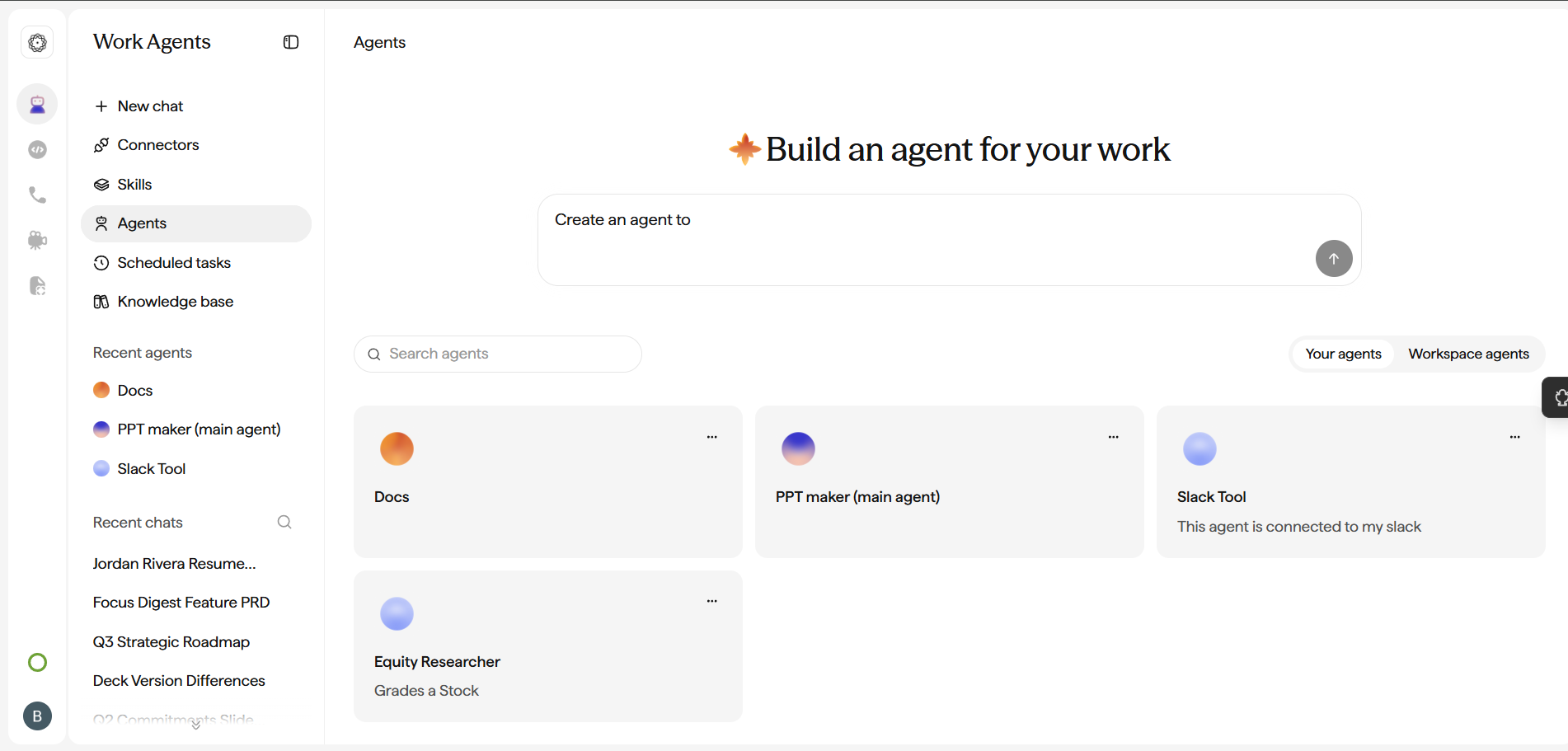
Use the Agent Builder
To create one, click Agents from the sidebar on the Home page. This opens the Agent Builder, where you describe what the agent should do in plain English. The Agent Builder drafts the instructions (system prompt), suggests the connectors and external systems the agent will need, and helps you configure it. You can also upload files as context: documents, briefs, or reference material that the Agent Builder incorporates into the setup.
From the Agent Builder you can add or remove the Connectors, Skills, and Knowledge Bases the agent can use, so it has exactly the tools, know-how, and context it needs.
Test in the playground
Inside the Agent Builder, switch the Builder / Playground toggle to Playground and chat with the agent to test how it responds. Toggle back to Builder to make adjustments, then save when you are happy with the results. Refine its instructions, connectors, skills, and knowledge until the output is what you expect.
Sub-agents
For complex jobs, an agent can spin up sub-agents: smaller, focused workers that tackle individual pieces of the task in parallel for faster results.
Share, schedule, and deploy
Agents improve as your team uses them. When ready, share them, schedule them, or deploy them to Slack.