

Connectors
Connectors link your agents to the external systems and websites you already use: Gmail, Google Calendar, Google Drive, Slack, GitHub, Linear, Notion, and more. Once connected, an agent can read information from these systems and take action inside them.
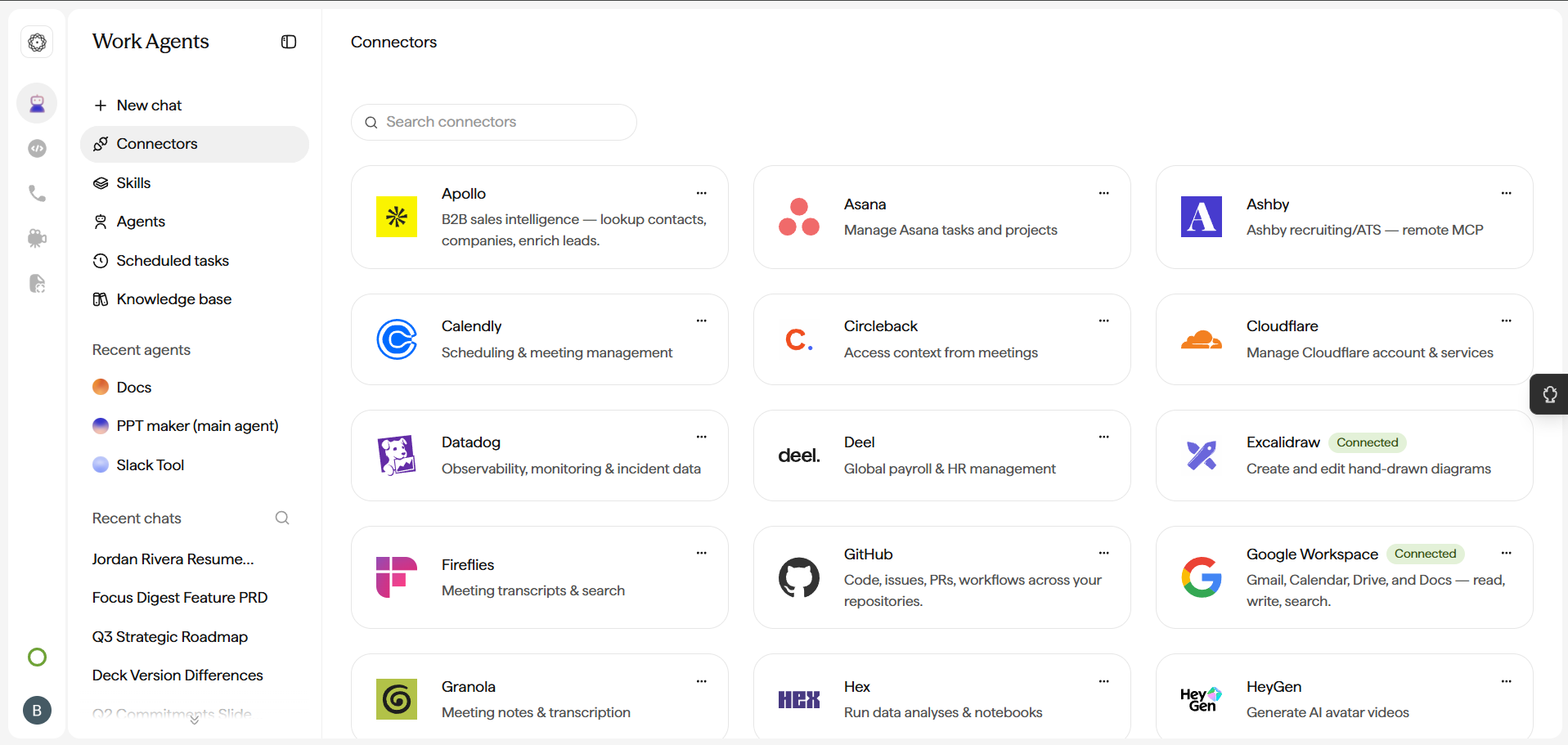
Authorising a connector
Each connector needs to be linked to your account and authorised before use. You will be guided through a secure OAuth flow where you sign in to the external service and grant permission. Once authorised, the connector is added to your Chat tab and is available for your agents to use.
Using a connector in an agent
In the Agent Builder, add or remove the connectors a given agent can use, keeping each agent scoped to the tools it actually needs. See Create custom agents.
Great for: any task that reaches beyond the prompt bar into your real accounts: reading and drafting email, checking your calendar, fetching files, or posting to team channels.